XML / YML Product Feed Development for OpenCart
Contents

 Article
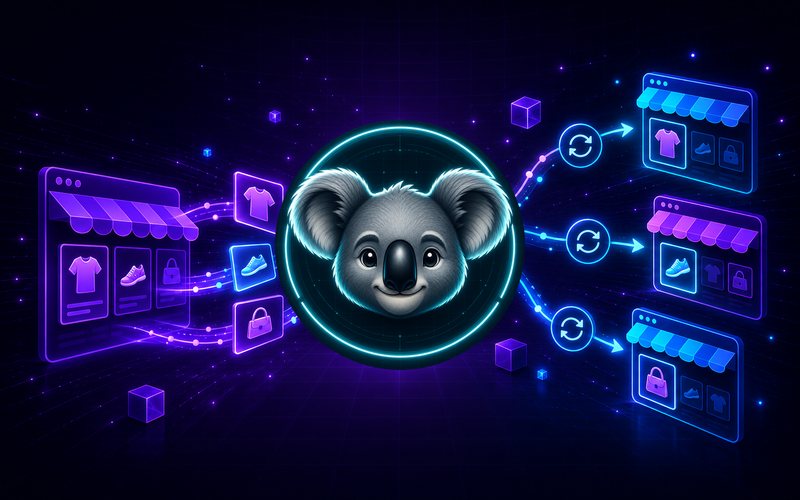
To sell on marketplaces and run ads you need a product feed — a structured XML/YML file describing your products. Every platform (Google Merchant, Facebook, Rozetka, Prom, Hotline) has its own format, and a valid feed is the precondition for your products loading at all.
Why you need a feed
- listing products on marketplaces;
- dynamic remarketing and Google Shopping;
- price aggregators (Hotline and the rest);
- automatic price and stock updates.
Why "one feed for everything" does not work
The formats differ: Google Merchant requires particular fields (g:price, g:availability, GTIN), while YML for Rozetka/Prom has its own categories/offers structure. So the feed is generated for the specific platform, to its specification.
What the build accounts for
- correct mapping of categories and characteristics;
- current prices, availability and currency;
- images at the required size and quality;
- unique product identifiers.
Automatic updates
The feed is generated at a URL and refreshed on a schedule (cron), so the platform always receives current data without you lifting a finger.
The stages
- platforms and their requirements identified;
- store data mapped to the format;
- feed generated and validated;
- automatic refresh configured.
Common questions
Several platforms at once?
Yes — a separate feed at its own URL for each.
How often does it refresh?
On a schedule — from a few times a day to hourly.
Can products be filtered in the feed?
Yes, you can export only selected categories or in-stock items.
Need a feed for Google, Rozetka or Prom? I will build a valid XML/YML with automatic updates.